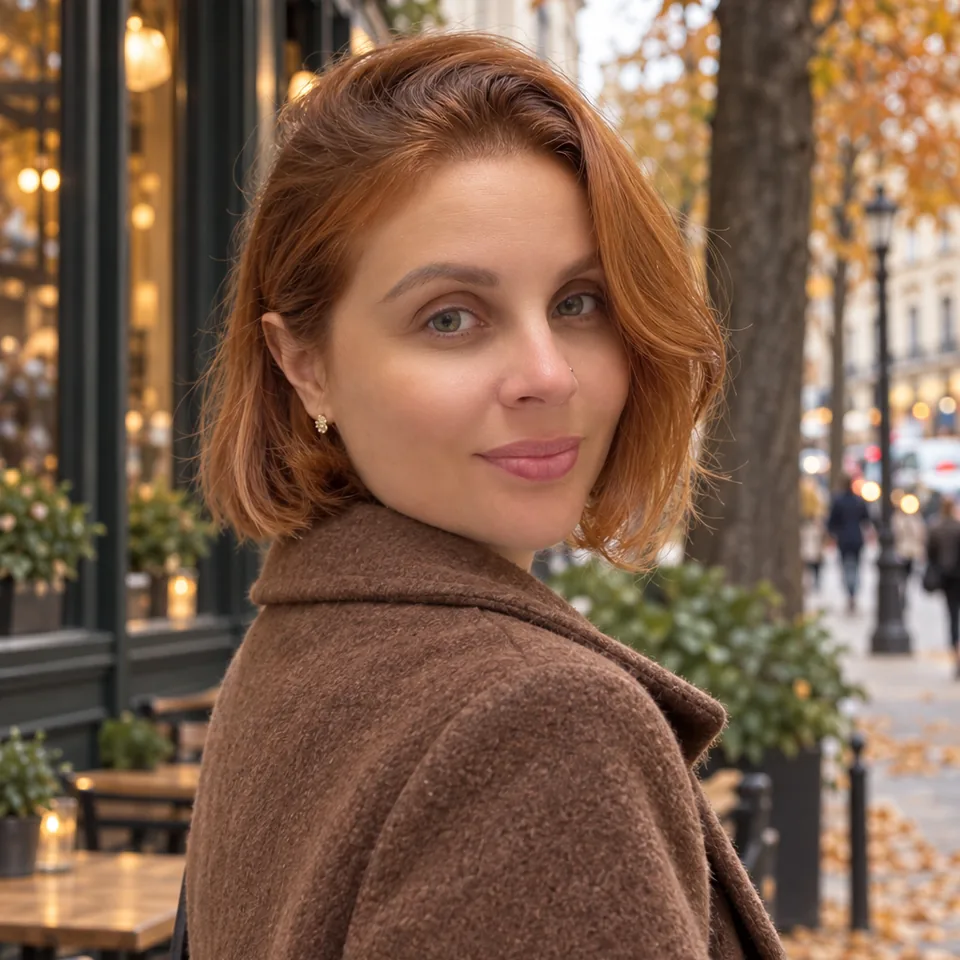
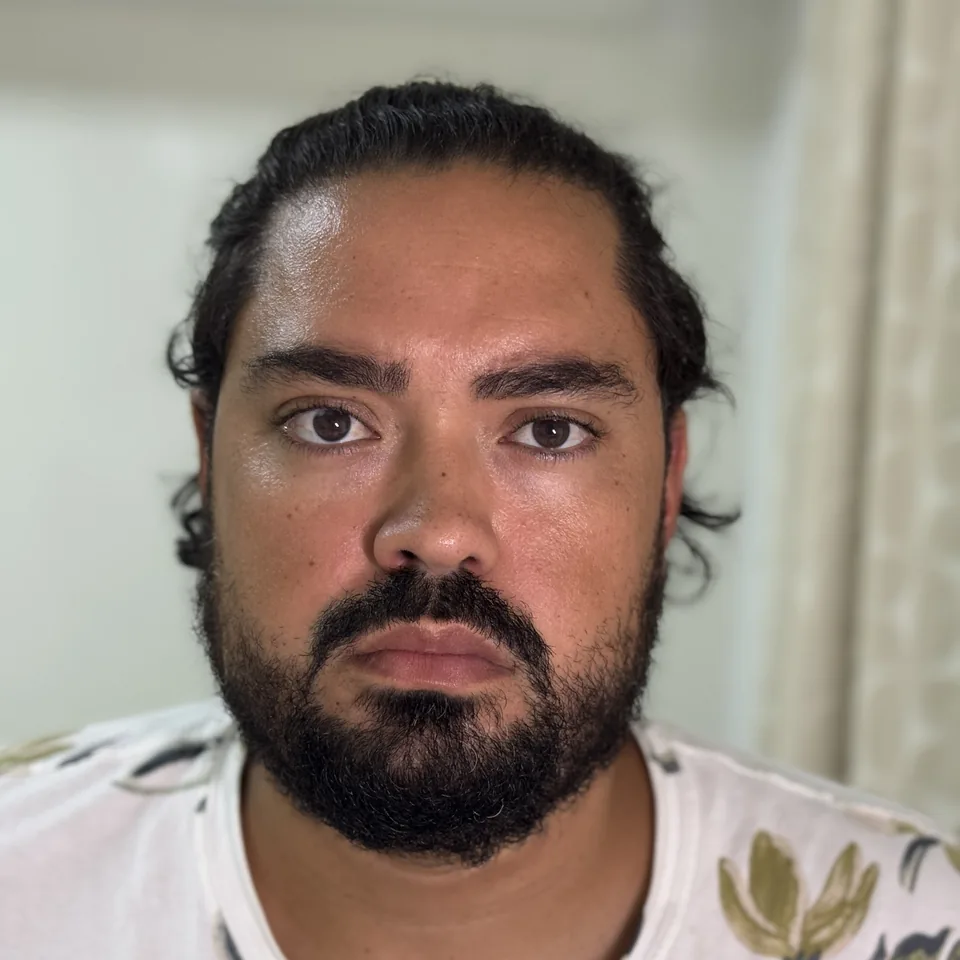
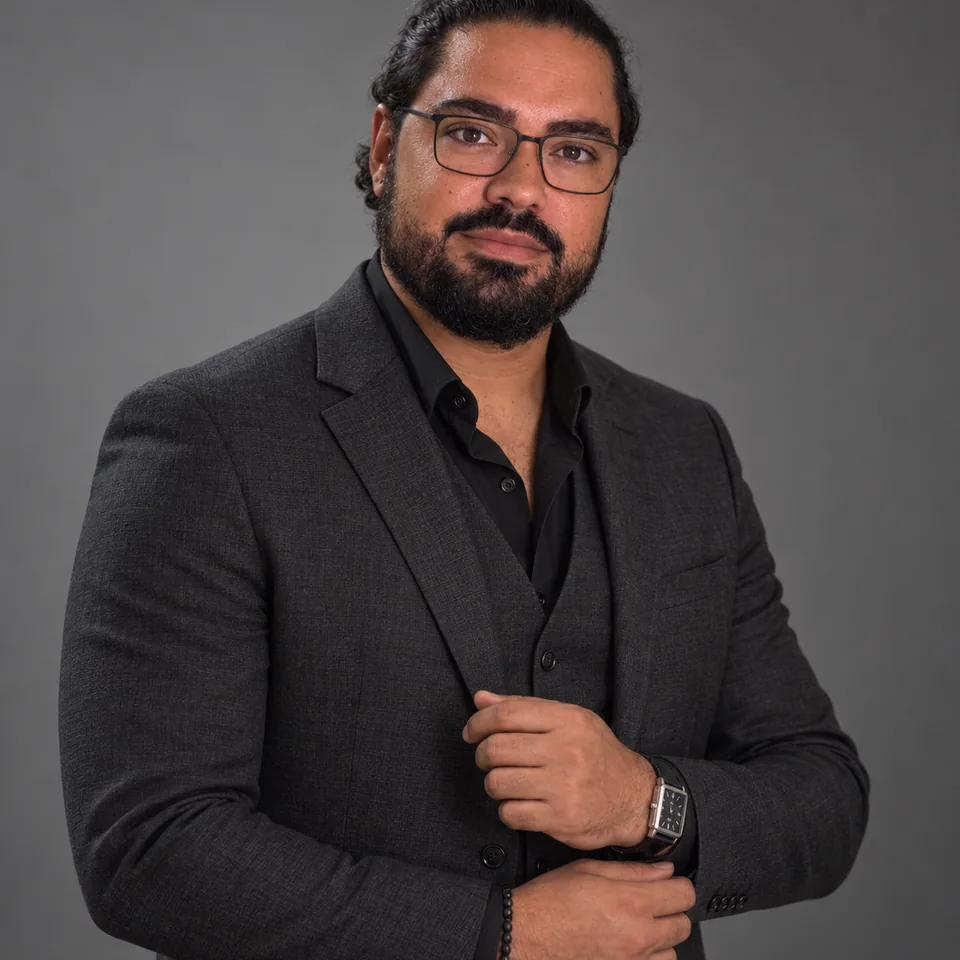
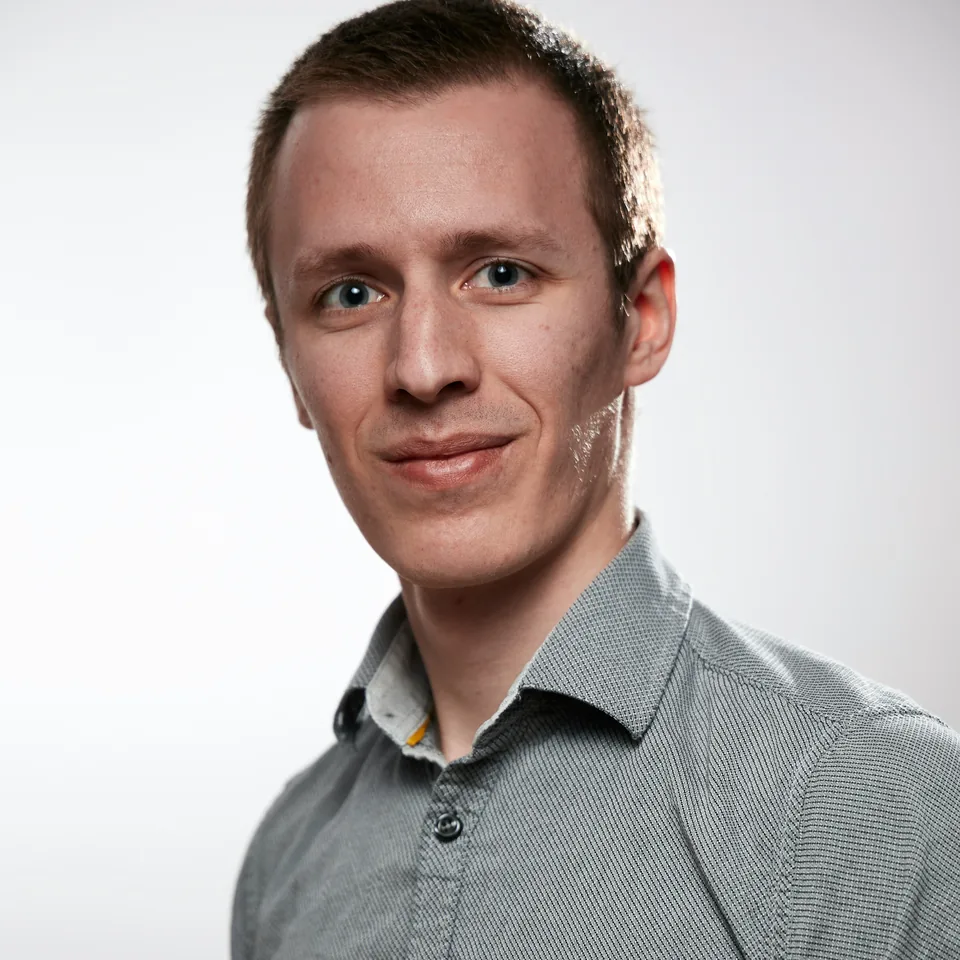
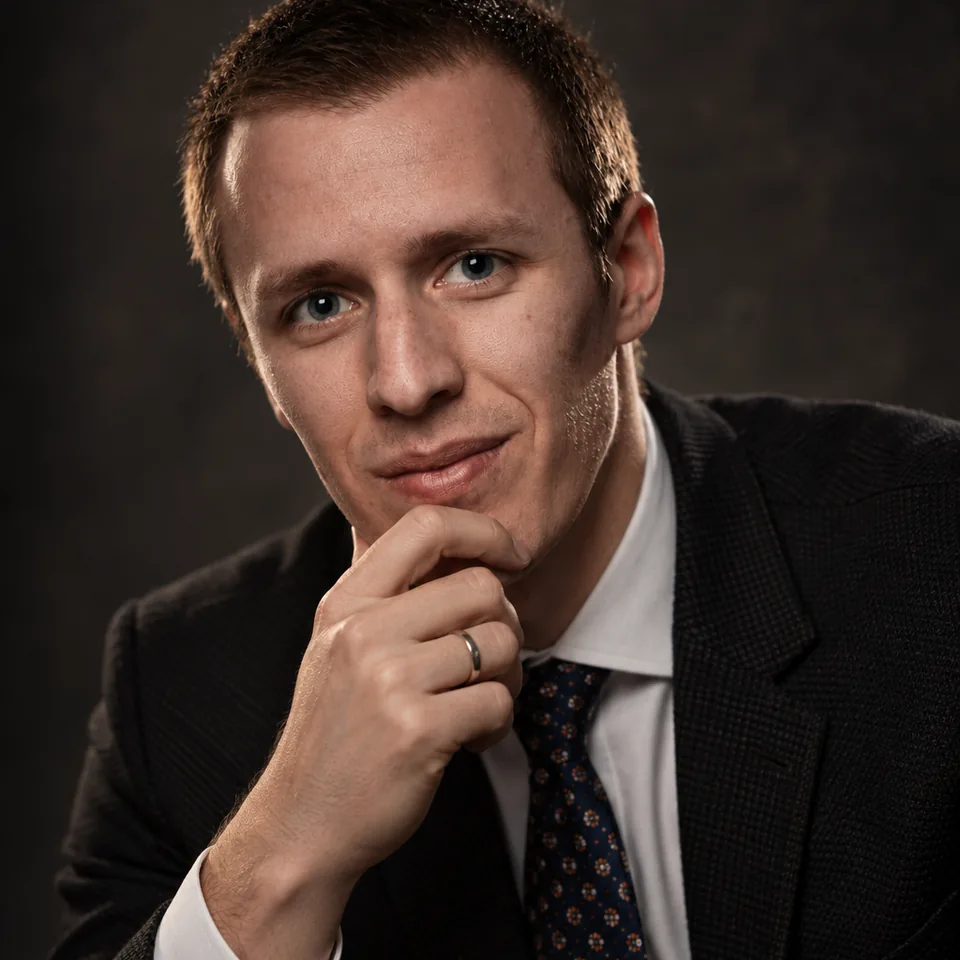
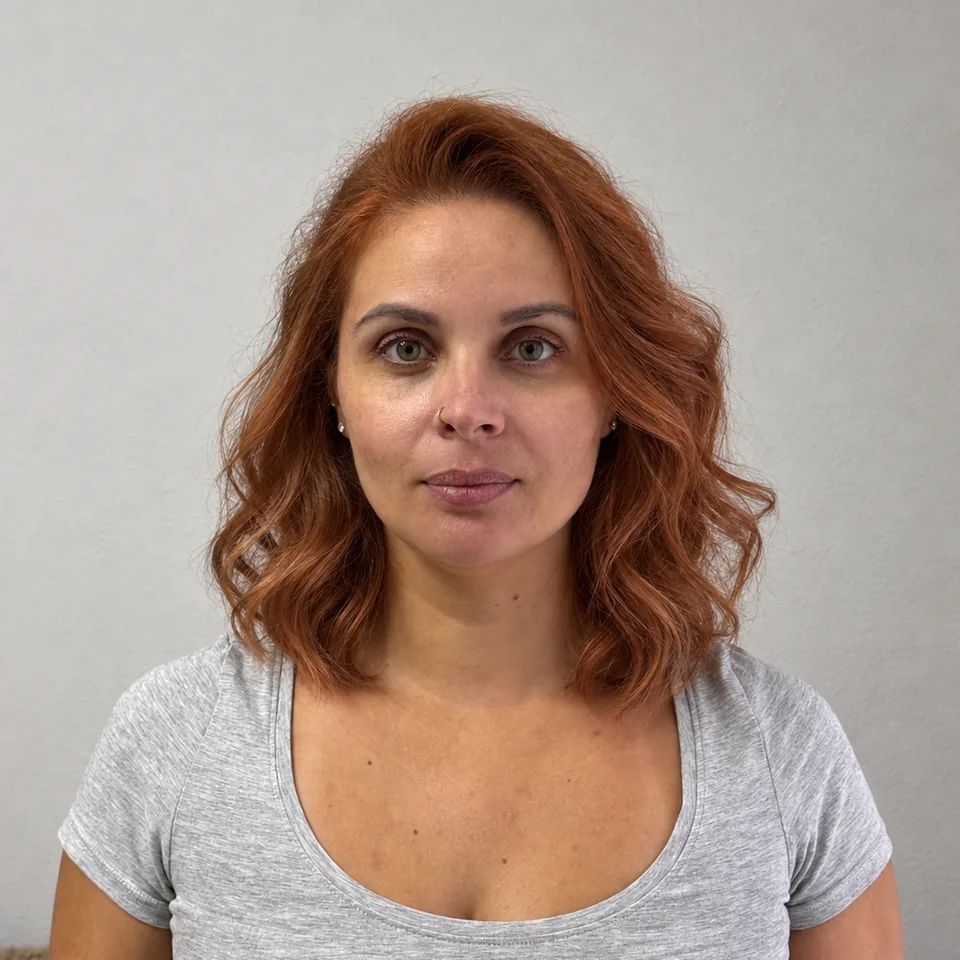
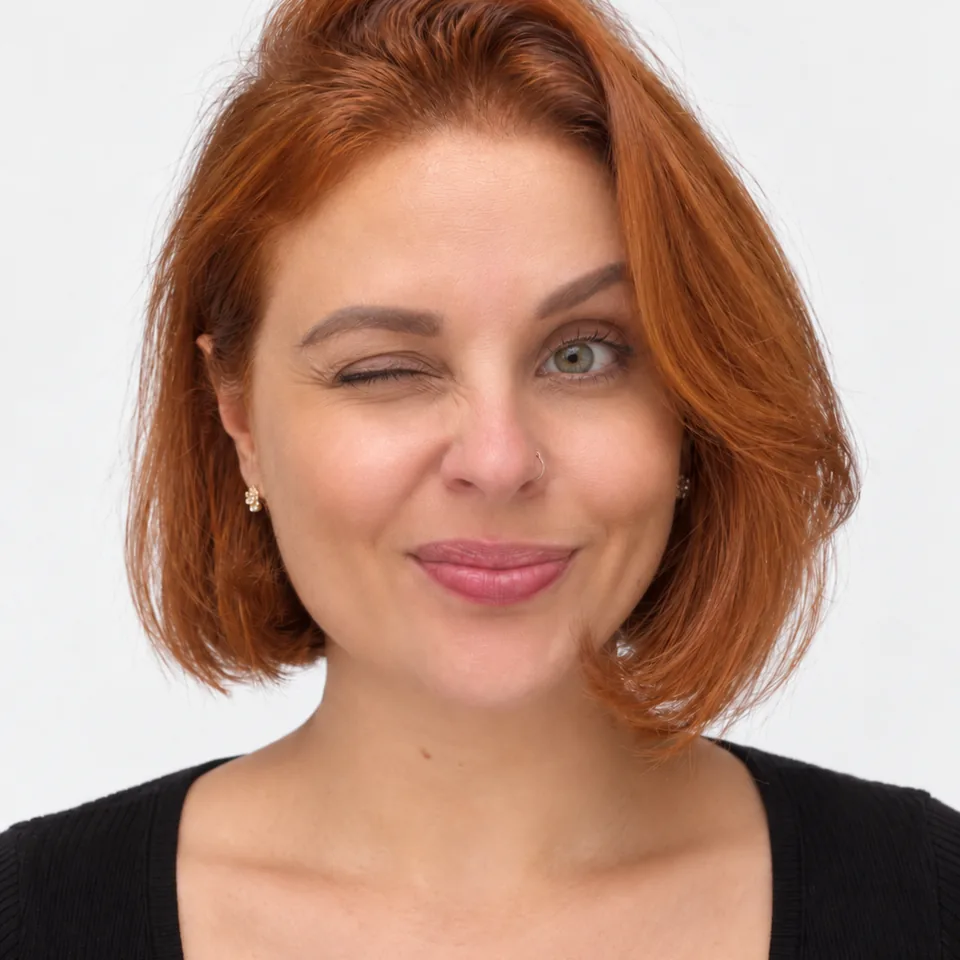
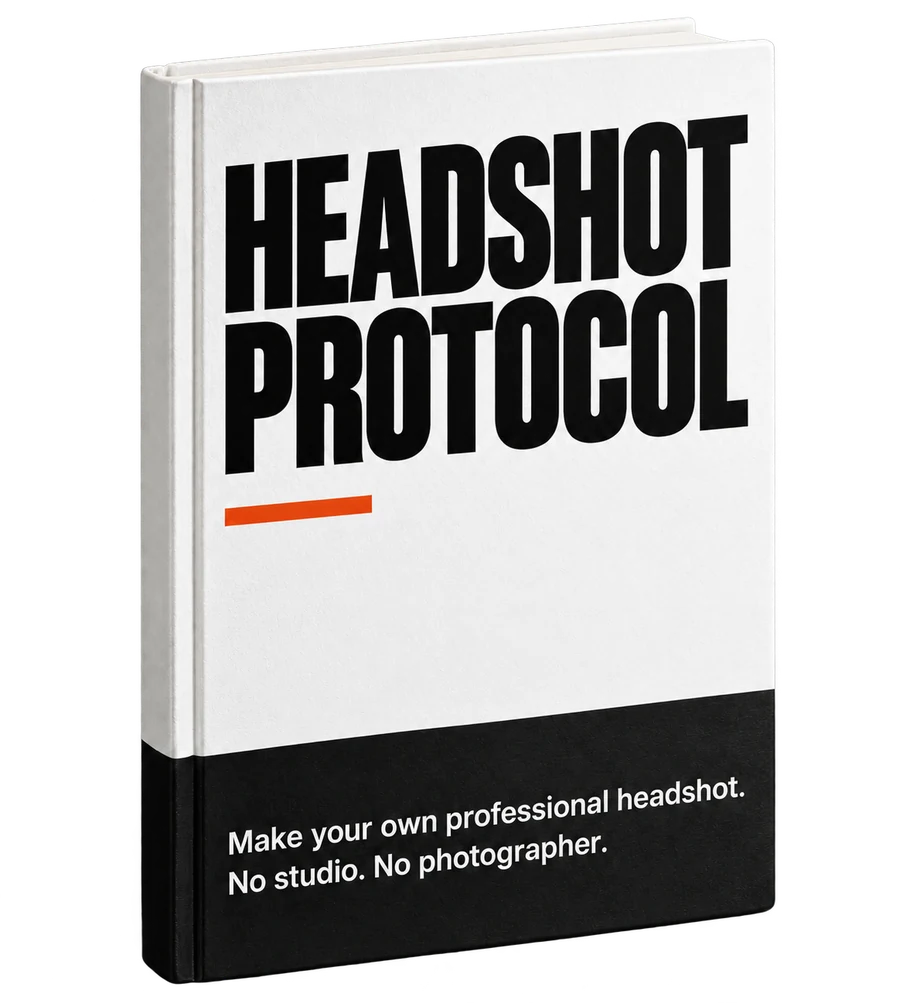
Your next professional portrait starts with your phone.
Your profile needs a current photo. You want to present yourself well and still recognize yourself in it. Headshot Protocol shows you how to prepare your photos, guide the AI, and change direction when the result looks artificial.
The skin is too smooth. The smile has changed. You ask for another version but do not know what to adjust. The guide is designed to help you move beyond that cycle: choose better references, write a clear prompt, and review the face before publishing.
ONE FACE. MANY DECISIONS.H / P
The face needs to be clear.
Framing communicates too.
Zoom in. Compare. Question.
01 / The reference
Before asking for a photo, show who you are.
A poor reference can leave you trying to fix the wrong problem. Start with photos that show your face clearly. The guide explains what to photograph and which images to choose before your first prompt.
WHAT TO OBSERVE
Is your face sharp? Does the light hide any detail? Do the photos show how you look today?
02 / The direction
“Professional” can mean many things.
Your photo needs to make sense where it will be used. A job application, your website, or a work presentation may call for different choices. You will learn to turn that context into a prompt that describes what you want.
A CONCRETE DECISION
Do you want more space around you or a closer view of your face? The crop changes what draws attention.
03 / The review
The final step is your judgement.
The finish may convince you before you notice a different face. Compare the result with your references. Learning what to reject also helps you choose a photo you feel comfortable presenting as your own.
FeaturesDoes the face shape still match yours?
TextureHas the skin become too uniform or artificial?
ExpressionDo you recognize your smile and gaze?
Correcting, starting again, or discarding is part of the process too. An attractive image is not automatically a usable one.
You will take the references with your phone and window light, and you will need an account with an AI service. The app instructions use the web version; the conventional editing tutorial uses an editor in a computer browser. Free limits vary; the guide shows you what to check before use. Editing services and individual coaching are not included.
Visual preview
Which image suits your work?
CorporateA presence for your profile and presentations.
Law and financeA restrained presentation that keeps your expression.
Creative work and agenciesRoom to show personality.
The full ebook
The first photo opens the way. Learn how to continue.
A first prompt helps you experiment. The value of the ebook becomes clear when you need another background, find an odd expression, or want to adapt the photo to another use. That is where knowing the next adjustment makes a difference.
Part I · your first exercise
Make your first portrait
Prepare the reference photos.
Make a first request.
Compare the result with your face.
The opening lessons take you through your first exercise with your own photos.
The rest of the ebook · USD 27
Know what to do next
Adapt the portrait to your professional context.
Investigate artificial skin, expression, and altered features.
Choose between correcting, generating again, or working with the original photo.
Consult adaptable prompts and review guidance.
A process to consult when the result does not match what you imagined, with guidance for adapting and reviewing each new attempt.
An example of the difference
You like the photo, but the skin looks like plastic. Repeating the same prompt leaves the problem unresolved. The ebook explains how to review the reference and instructions, compare the new attempt, and decide when to discard the image. The goal is to give you criteria for your decisions; preserving your features requires checking every result.
Start with the sample
Take the first step. The sample is free.
See what working with your own photos involves before investing in the ebook. Enter your email, confirm the address, and the PDF arrives in your inbox. No commitment to buy.
Start with photos you can take.
The initial exercise will guide you through preparing the references, writing the first prompt, and evaluating the result. You can try the method before deciding on the full version.
Enter your email.
Open the message and confirm your address.
Get the link to the PDF by email.
How we use your registration details
Gustavo Ribeiro, responsible for Headshot Protocol, will use your email and optional name to confirm your registration, send the sample and a few short emails about the method and the ebook. Each email has an unsubscribe link. Brevo processes these details to operate the form and emails. See the privacy policy.
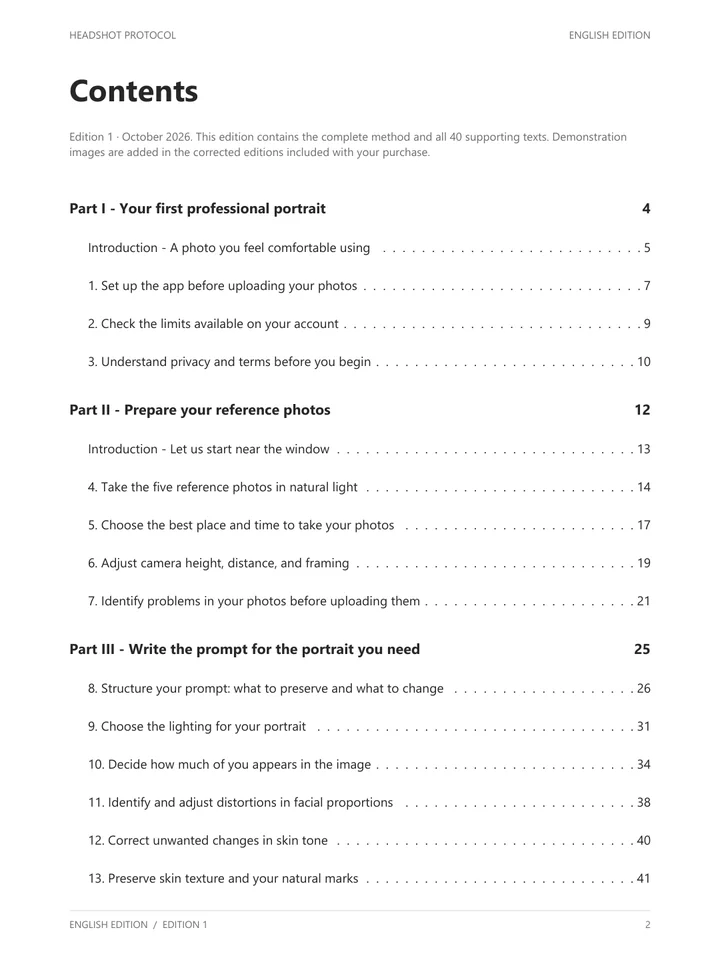
Each part addresses a decision about your portrait: how to begin, what to ask for, what to adjust, and when to use the image. The first edition includes 24 lessons in six parts and 40 supporting texts: prompts, adaptable passages, and additions.
View the six parts
I
Before you begin
Access, setup, limits, and care when uploading your photos.
II
The photo on your phone
Light, position, and reference selection before uploading.
III
How to write the prompt
Describe the portrait and adapt the instructions to your photo.
IV
Your professional context
Guidance for different uses, with twelve contexts.
V
When it goes wrong
Diagnosis, corrections, and the alternative of working with your original photo.
VI
Transparent use
Limits, identifying AI use, and checks before publishing.
The four lessons of a future edition are not part of the 24 in the first edition. No future material is needed to justify the initial purchase.
The author
Gustavo Ribeiro
I want you to finish an exercise able to explain your choices. That is why I wrote a guide that follows what happens before and after the prompt: the photo you upload, the result you receive, and the decision to use it.
The demonstrations include my photos and photos of other people, with permission to use them.
What you will be able to check
Reference photo, result, and an explanation of the decisions made. The guide teaches you to work with your own face; demonstrations of other people do not give permission to use someone else’s image.
Your bonus with the ebook purchase
Prompt Library. A starting point for each new prompt.
When you want to change your portrait, you have somewhere to begin writing. The library opens with six complete portrait prompts, each with its example image, filterable by profession and gender. Adapt the text to your photos and use the guide to evaluate the result.
HEADSHOT PROTOCOL / LIBRARY
Open. Adapt. Try.
Six complete portrait prompts, each with its example image, to adapt to your photos.
Standalone price planned · 6 months USD 19Bonus at no additional cost
Six months of access from the ebook purchase date.
When starting
Move beyond the blank page.
Use a prompt as a starting point and adjust the instructions to your photos. You will have examples to consult while learning to write your own.
When changing context
Adapt the prompt to the next use.
Consult passages to vary the portrait’s context and describe the image you need for a profile, website, or presentation.
When reviewing
Return to the instructions with a direction.
Combine the supporting texts with the ebook’s guidance to review your prompt and check what changed in the result.
The standalone price is planned; separate purchase is not yet available. Prompts need to be adapted to your photos, and the result needs to be reviewed.
The guide, twelve months of corrected editions, and six months of Prompt Library access as a bonus.
USD 27
One-time payment, taxes included. PDF and EPUB in English, to follow the exercises and return to the point where you need help. Includes twelve months of corrected editions and, as a purchase bonus, six months of access to the Prompt Library, counted from the ebook purchase date.
For people who want to put the process into practice and learn to direct their own portrait. You do the exercises; a photo session, editing by someone else, and a tool subscription are not part of the offer.
Secure checkout sold through Link, Stripe’s payment service. Download access arrives by email right after payment. Refund within 14 days of purchase: see the purchase terms.
Before deciding
Answers to the main questions.
Why not just use a free prompt?
A prompt gives you a first image. The ebook goes deeper into the decisions that follow: changing the context, investigating a face that looks different, adjusting the instructions, and choosing between correcting or starting again. The purchase also includes six months of Prompt Library access as a bonus. You pay for guidance to continue and adapt the process to your needs.
Do I need to understand photography or AI?
You can begin with your phone and window light. The guide explains the choices throughout the exercise without requiring photography or AI experience. You will need to practise and review the results; the time varies with your photos and attempts.
Will I need to pay for a tool?
The initial workflow was planned around a free option. Limits, features, and availability may vary by account and region. The material explains what to check; the ebook price does not include third-party services.
What happens to the photos I upload?
The exercise uses a third-party AI service. Before any upload, the ebook explains the relevant activity controls, processing, and retention, with sources and dates. These controls do not mean there is no processing or human review. Read the tool’s terms before deciding to upload photos of your face.
Can I use the portrait for work?
Use depends on the tool’s current terms and the rules where you intend to publish. The book explains these checks and how to identify AI use. There is no promise of interviews, clients, or job opportunities.
How long will I have access to the Prompt Library?
As a purchase bonus, the ebook includes six months of access to the Prompt Library, counted from the purchase date. This period differs from the twelve months of corrected ebook editions. The end of library access does not delete ebook files you have already received.
What if the tool changes?
The offer includes twelve months of corrected editions from the purchase date. After that period, you keep the last edition you received. The book does not guarantee the availability of a free tool.
How do I receive the ebook, and can I get a refund?
After payment you return to this site with immediate download access, and an email with your access link follows. If the ebook is not for you, write to contact@headshotprotocol.com within 14 days of purchase for a full refund. Details in the purchase terms.
Your next step
Does your current photo no longer represent you?
Start preparing the next one, with your phone and the guide.